Session replay can be used in a GDPR-compliant way, but it isn’t compliant by default. It depends on how you set it up: you need a lawful basis (in the EU that usually means asking for consent first), sensitive input has to be kept out of the recordings, visitors must be told about it, you need a data processing agreement with the vendor, and data should stay in the EU and be deleted when you no longer need it.
This guide walks through what session replay actually records, which rules apply, and a practical checklist for running it on an EU website. It reflects how we understand the rules and how we built Revisit; it is not legal advice, so check your own setup with your data protection officer or lawyer.
What does session replay record?
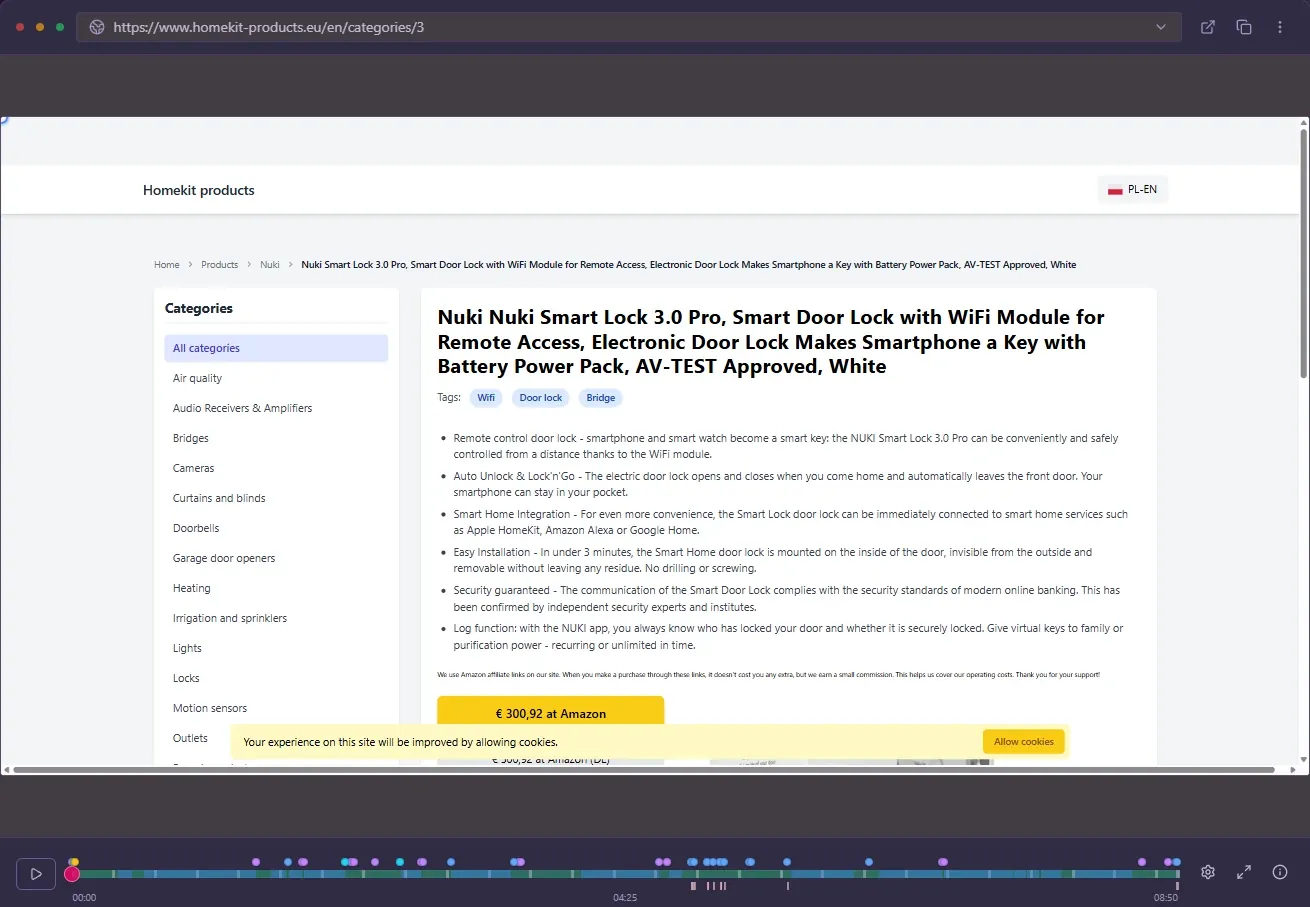
Despite the name, most modern session replay tools, Revisit included, don’t film the screen. The recording script captures the structure of the page (its HTML and styles) and then every change to it, along with clicks, mouse movement, scrolling, form interactions, page changes, console messages and network requests. The player rebuilds the page from that data, which is why replays stay sharp and why individual elements can be left out.
That also explains the privacy question. A recording can contain personal data: an IP address or device identifier, whatever the visitor types into a form, and anything personal shown on the page, like a name on an account page. So the GDPR applies, and so do the EU’s rules on storing information in the visitor’s browser.
Which rules apply to session replay in the EU?
The GDPR
The General Data Protection Regulation covers any processing of personal data. For session replay, the parts that matter most are:
- Lawful basis (Article 6). You need a legal reason to process the data, usually consent or legitimate interests.
- Data minimisation (Article 5). Record only what you need. Mask inputs and hide sensitive parts of the page.
- Transparency (Articles 13 and 14). Your privacy notice must say that you record visits, why, and with which provider.
- Processor agreement (Article 28). The replay vendor processes data for you, so you need a data processing agreement with them.
- Storage limitation. Keep recordings only as long as you need them, then delete them.
- International transfers (Chapter V). If data leaves the EU or EEA, extra safeguards apply.
The ePrivacy rules on cookies and similar technologies
The ePrivacy Directive (Article 5(3)), implemented in each country’s own law, requires consent before storing or reading information on a visitor’s device unless it is strictly necessary for a service they asked for. A replay script that stores an identifier in the browser is generally not considered strictly necessary. In practice, that means most EU websites should ask for consent before starting session replay, regardless of which GDPR lawful basis they rely on afterwards.
Consent or legitimate interests?
You will see both argued. Legitimate interests can sometimes work for the GDPR side of things, but the device-storage rule above usually still requires consent, and regulators in several EU countries have taken a cautious view of behavioural recording. The safest, simplest setup for an EU site is:
- List session recording as an analytics purpose in your consent banner.
- Load the recording script only after the visitor agrees.
- Stop recording if they withdraw consent.
With Revisit, the easiest way to do this is to add the snippet through Google Tag Manager or your consent management platform, and fire it only when analytics consent is given. Revisit also respects browser privacy signals: when a visitor has Do Not Track or Global Privacy Control turned on, nothing is recorded.
How to keep sensitive data out of recordings
Data minimisation is where session replay setups most often go wrong, and where a good tool does most of the work for you.
- Passwords are never recorded. Revisit skips password and file inputs entirely.
- Hide whole elements. Add
data-rv-maskto any element, like an address block, a payment form or an account page section, and its content never leaves the browser. - Use rules for patterns. In your project settings you can add masking rules for things like inputs whose name contains a keyword, instead of tagging every field by hand.
- Exclude your own team. Exclude IP addresses so your colleagues’ visits aren’t recorded at all.
- Check a few replays. After setup, open recordings of your most sensitive pages and confirm that nothing personal is visible.
<div class="billing-address" data-rv-mask>
  …hidden from every replay…
</div>
Where the data is stored, and for how long
Revisit is hosted in the EU (Hungary), and the vendor relationship is covered by a data processing agreement. The subprocessor list shows who else is involved and where. For retention, each project has a recording retention setting: choose how many days to keep recordings, from 7 days up to 10 years, and older recordings are deleted permanently.
One thing to be aware of: AI session analysis is optional and runs through OpenRouter, and the AI model providers behind it may process data outside the EEA. If that matters for your legal assessment, review that part separately in our privacy policy before you turn AI analysis on.
A GDPR checklist for session replay
- Session recording is listed in your consent banner, and the script only loads after consent.
- Your privacy notice mentions session recording, its purpose and the provider.
- A data processing agreement with the vendor is in place.
- Passwords, payment details and other sensitive fields are masked or hidden, and you have checked a few replays.
- Internal traffic is excluded.
- Data is stored in the EU, or transfers are covered by appropriate safeguards.
- A retention period is set, and old recordings are deleted automatically.
- You know how to find and delete a visitor’s data if they ask.
- Optional features that send data elsewhere, like AI analysis, are reviewed before you turn them on.
Frequently asked questions
Is session replay legal under the GDPR?
Yes, session replay can be used lawfully, but only with the right setup: a lawful basis (in the EU usually consent before recording starts), masking of sensitive input, a clear privacy notice, a data processing agreement with the vendor, EU data storage or proper transfer safeguards, and a retention limit.
Do I need consent for session recording?
In most EU countries, yes. The ePrivacy rules require consent before storing or reading information on a visitor’s device unless it is strictly necessary, and session replay is generally not considered strictly necessary. The simplest setup is to load the recording script only after analytics consent is given.
Does session replay record passwords and credit card numbers?
It should not. Revisit never records password or file inputs, and you can hide any other element, such as a payment form, from replays by adding the data-rv-mask attribute or a masking rule in your project settings.
Where is Revisit’s session data stored?
Revisit is hosted in the EU (Hungary). A data processing agreement and a subprocessor list are available. Optional AI analysis runs through OpenRouter, whose model providers may process data outside the EEA.
How long should I keep session recordings?
Only as long as you need them for the purpose you stated. In Revisit you set a retention period per project, from 7 days up to 10 years, and older recordings are deleted permanently.
Does Revisit respect Do Not Track and Global Privacy Control?
Yes. When a visitor’s browser sends Do Not Track or Global Privacy Control, Revisit does not record the visit.