Loading Revisit...
Skip to content

AI insights and chat

Ask questions.
Get visual answers.

AI that watches your sessions, creates charts and annotates screenshots, all from a simple chat.

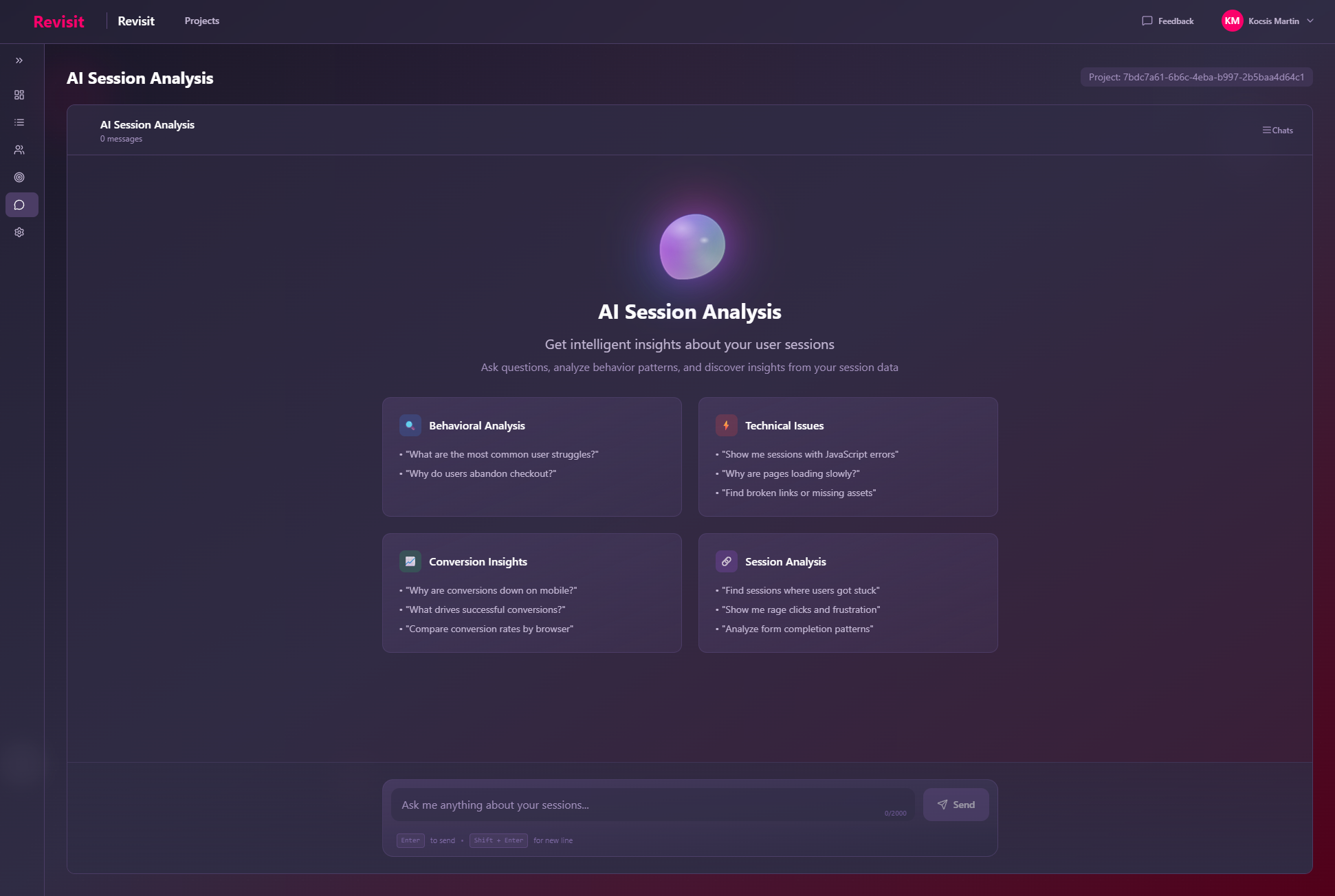
The Revisit AI chat, with suggested questions about behaviour, technical issues, conversions and individual sessions.

Skip the manual review. Get instant insights.

Every session is analyzed automatically. We score interest levels (1–5), detect rage clicks and generate a timeline, so you can jump straight to the moments that matter.

  • Interest scoringAI rates every session from 1 (idle) to 5 (critical), so you look at the important visits first.
  • Struggle detectionRage clicks, dead clicks and JavaScript errors are flagged automatically.
  • Smart timelinesNo more scrubbing. Click the generated chapters to jump to a moment.
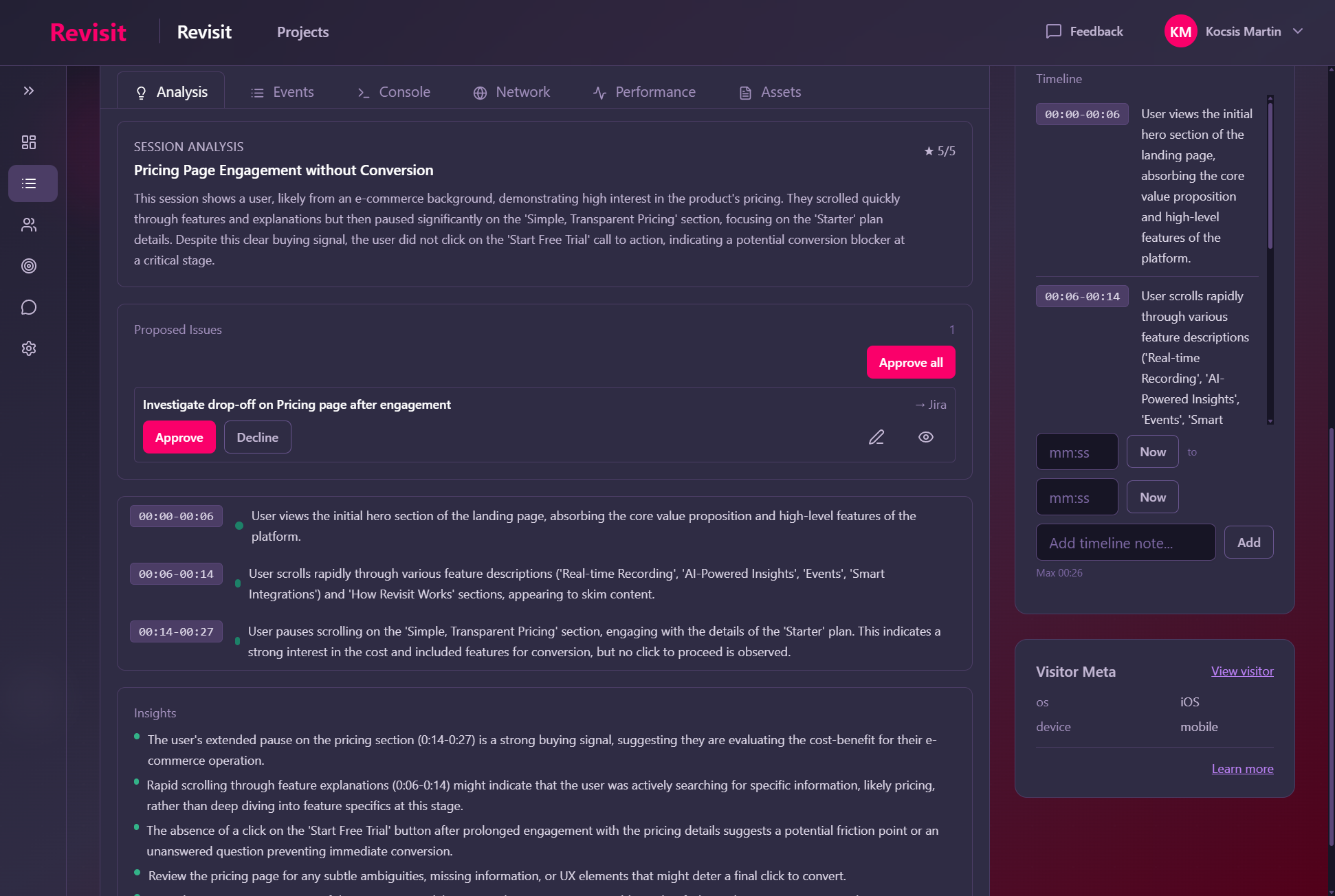
An AI session analysis in Revisit: a titled summary, proposed issues to approve and the key moments of the visit.

An AI that actually watches your visitors

It doesn’t just read data. It watches the recordings to understand what happened, and notices hesitation, confusion and frustration the way you would.

  • Video analysisAI watches your session recordings to see exactly what visitors experienced.
  • Interactive chartsCreates bar, line, pie, funnel and flow charts to visualize user journeys.
  • Visual annotationsTakes screenshots and annotates them with highlights, arrows and labels.
  • Self‑iteratingKeeps trying different approaches until it finds the best answer.
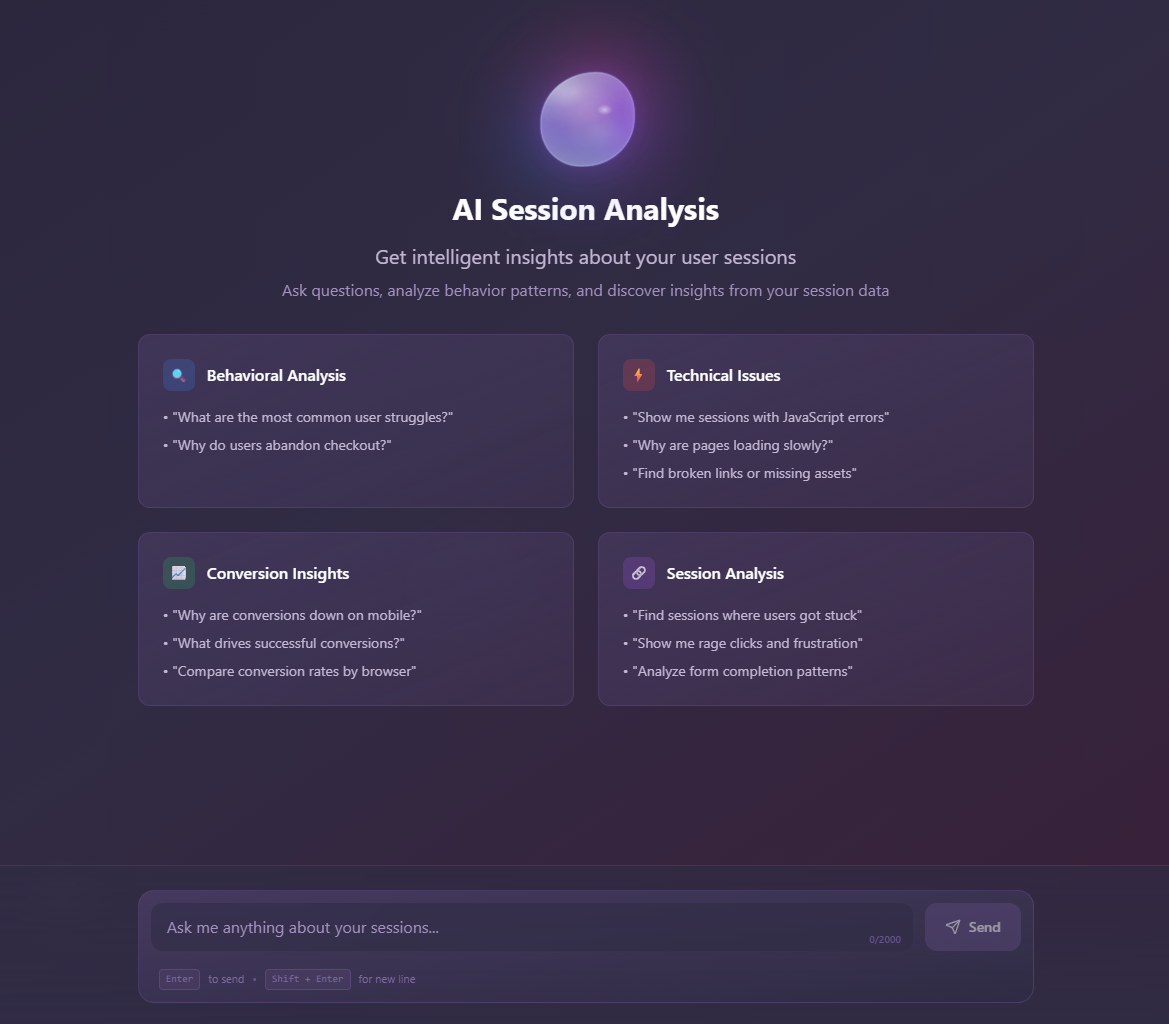
The AI Session Analysis chat in Revisit, ready to answer questions about behaviour, technical issues and conversions.

Bring your own context

Upload screenshots, pick specific sessions to analyze, or let the AI visit your live website. Give it the context it needs for better answers.

  • Upload imagesAttach your own screenshots or mockups and the AI will analyze them.
  • Select sessionsChoose up to 5 specific sessions for the AI to focus on.
  • Live website visitsAI can visit your actual website to see its current state and capture screenshots.
  • Edit any imageAsk the AI to change screenshots: add highlights, arrows and annotations on the fly.
Revisit project settings for AI insights, with the model choice and the prompt the AI works from.

Privacy and spend controls you can trust.

Privacy is built in. Sensitive data is masked before it reaches the AI models, and you stay in control of your budget.

  • PII masking

    Sensitive fields are redacted automatically to support GDPR and CCPA compliance.

  • Spend caps

    Set monthly limits so you never get a surprise bill.

  • Custom retention

    Configure how long AI data is stored to match your policy.

Ready to unlock your data?

Turn on AI analysis and read your first summaries today. It’s free during the 14‑day trial.