Revisit for ecommerce
See where shoppers get stuck.
Revisit records visits to your store. Watch what shoppers look for, what they put in their bag and where they turn back. Use those moments to decide what to change first.
Sample replay · Vale Supply · 00:24
A second look before checkout
- View the tote
- Add it to the bag
- Go back for the size
- Review the visit
The shopper starts on the Everyday Tote product page.
What would make buying easier?
Pick a part of the store you can improve. Revisit helps you narrow it down to a page, a step or even a single button.
- Merchandising
Put product details where shoppers need them.
Watch which photos, size guides and descriptions people reopen after adding an item. That tells you which details deserve a place beside the buy button.
Explore session replay ↗ - Checkout
Find the step that interrupts an order.
Track the steps from bag to checkout in a funnel. Where completions fall, watch visits that reached that step and look for a repeated error or a field people keep retrying.
Explore funnels ↗ - Store support
See what “checkout didn’t work” looked like.
Open the visit behind a customer report. Give your developer the page and the sequence of clicks that led up to the problem.
Explore session summaries ↗
Clicks across visits
Does the size guide belong beside the buy button?
One shopper went back for the tote’s dimensions. Open a click heatmap of your own product page to see which details other shoppers use. Check mobile separately, where a size guide may sit several scrolls below the button.
If the same detour keeps showing up, try moving the size guide. Watch fresh visits to see whether shoppers can find it before they open their bag.
See how heatmaps work ↗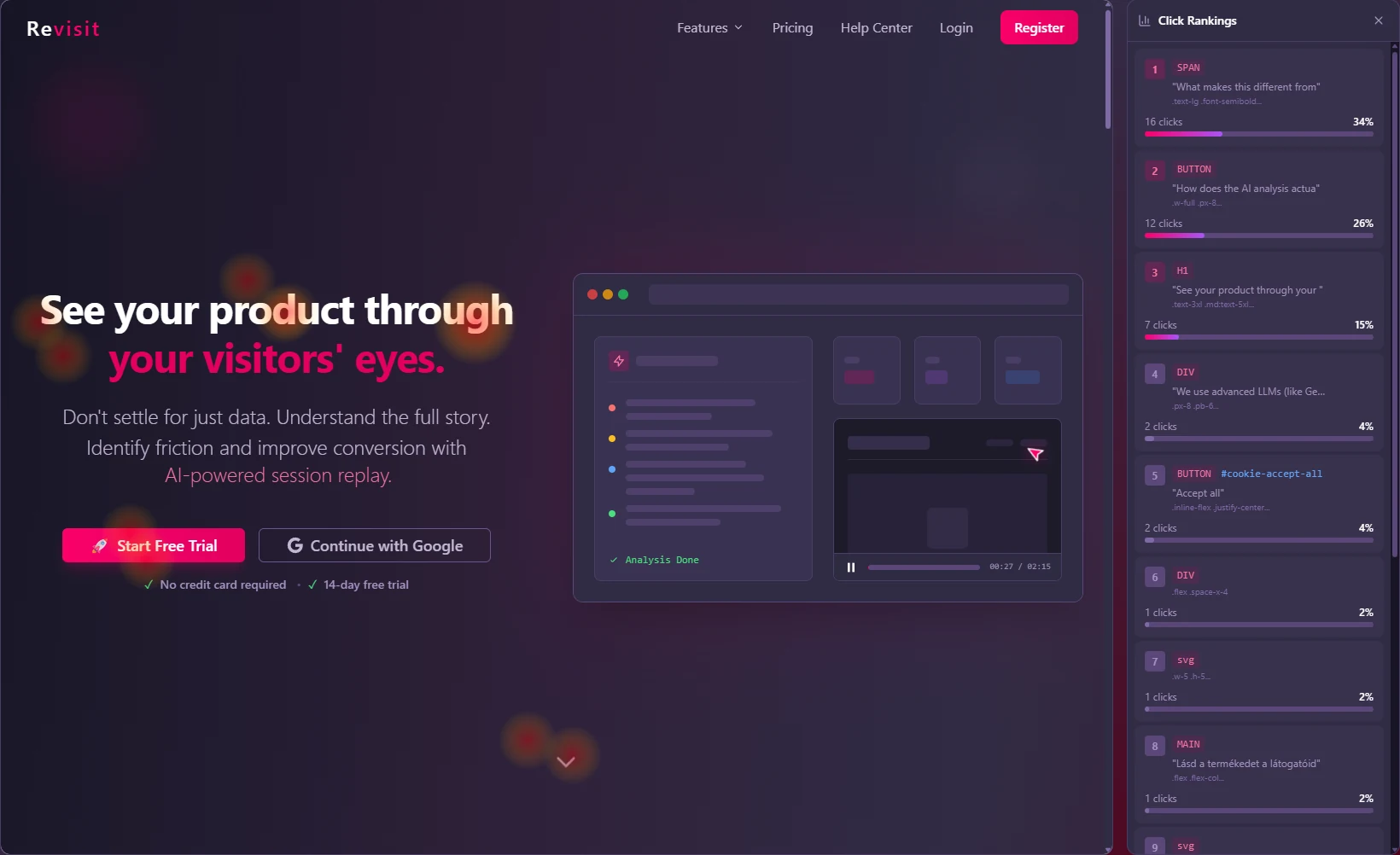
Give the store team a change to test.
Start a merchandising discussion with the shopper’s path. A teammate can replay the moment or try the same steps in the sample store.
Open the sample store ↗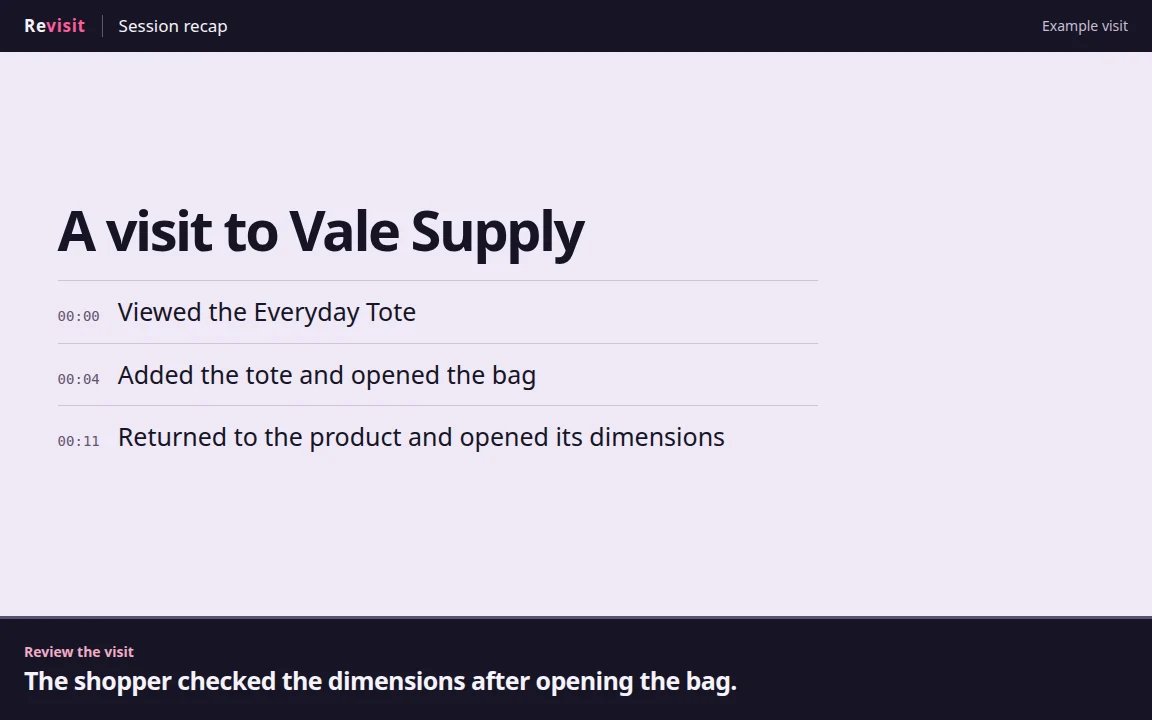
- What we saw
- The shopper opened Size & details immediately after returning from the bag.
- Next experiment
- Try the dimensions beside Add to bag. Check later visits for the same return trip.
Start with one product page.
- 01
Connect your WooCommerce store
Create a project and connect it with the Revisit Session Recording plugin in WordPress.
WordPress setup in pictures ↗ - 02
Pick a product people already visit
Start with a bestseller or a product that often draws sizing questions. Open a recording that includes its page.
- 03
Choose one change to try
Look for a detour that appears in several visits. After your edit, revisit the same page and see how shoppers use it.
What stands between your shoppers and checkout?
Follow a visit through your own store and find one thing you can make easier to buy.
Connect my store