Revisit for product teams
Know what to fix next.
Revisit records how people use your app. See where they lose their way, give engineering the steps behind a bug and check whether your next release helped.
Sample replay · Orbit Studio · 00:24
The extra step inside a successful signup
- Create a workspace
- Try the invite button
- Continue alone
- Review the visit
The new user names their workspace and continues.
Which problem deserves the next sprint?
A signup total, a bug report and a release each raise a different question. Use the visit behind them to choose your next move.
- Product discovery
Find the work hidden inside a completed signup.
Track the steps to a first useful action, such as creating a board. Watch people who reach it and people who leave early to see where their paths diverge.
Explore custom events ↗ - Engineering
Give a bug report a starting point.
Open a recording linked to a JavaScript error. Engineers can see the screen, the last click and the console messages together before trying to reproduce it.
Explore session replay ↗ - Release review
Check how people use the change you shipped.
Track the redesigned action as an event. Compare visits from before and after release to see who finds the new path and who still takes the long way round.
Explore the dashboard ↗
Inside a recording
Find the awkward step in a successful signup.
In the sample replay, a new user reaches their board, but only after trying to invite a teammate with an empty field. A signup count misses that detail. In Revisit, session summaries and marked moments help you find visits worth a closer look.
Review other visits to the invite screen. If solo users keep trying the same button, test a clearer invitation to continue alone.
See how session summaries work ↗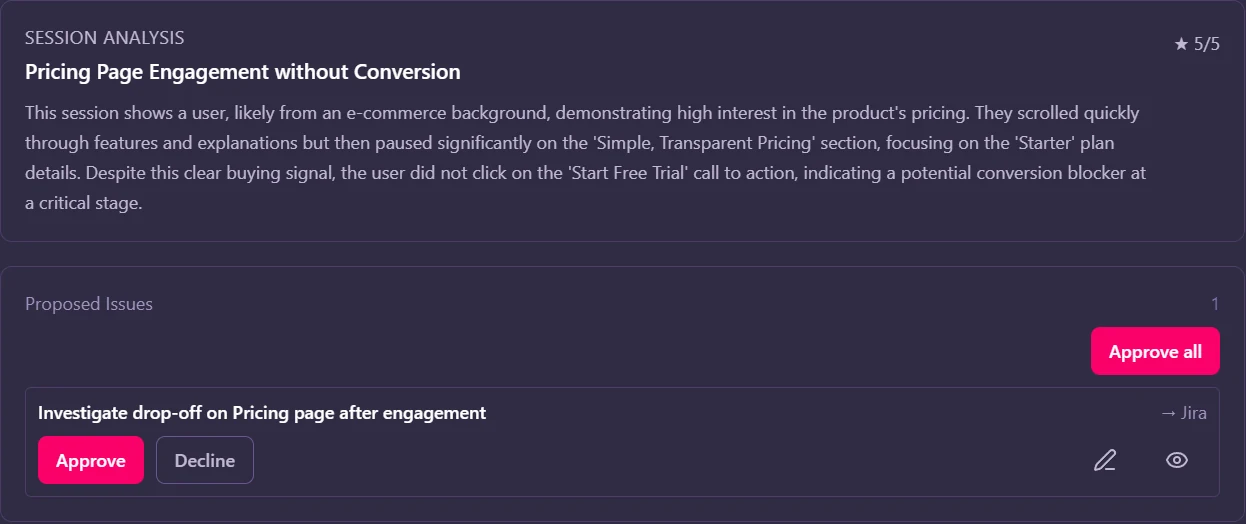
Bring the moment to sprint planning.
Give design and engineering the same sequence to review. They can discuss what to change and agree on what a smoother first visit would look like.
Open the sample app ↗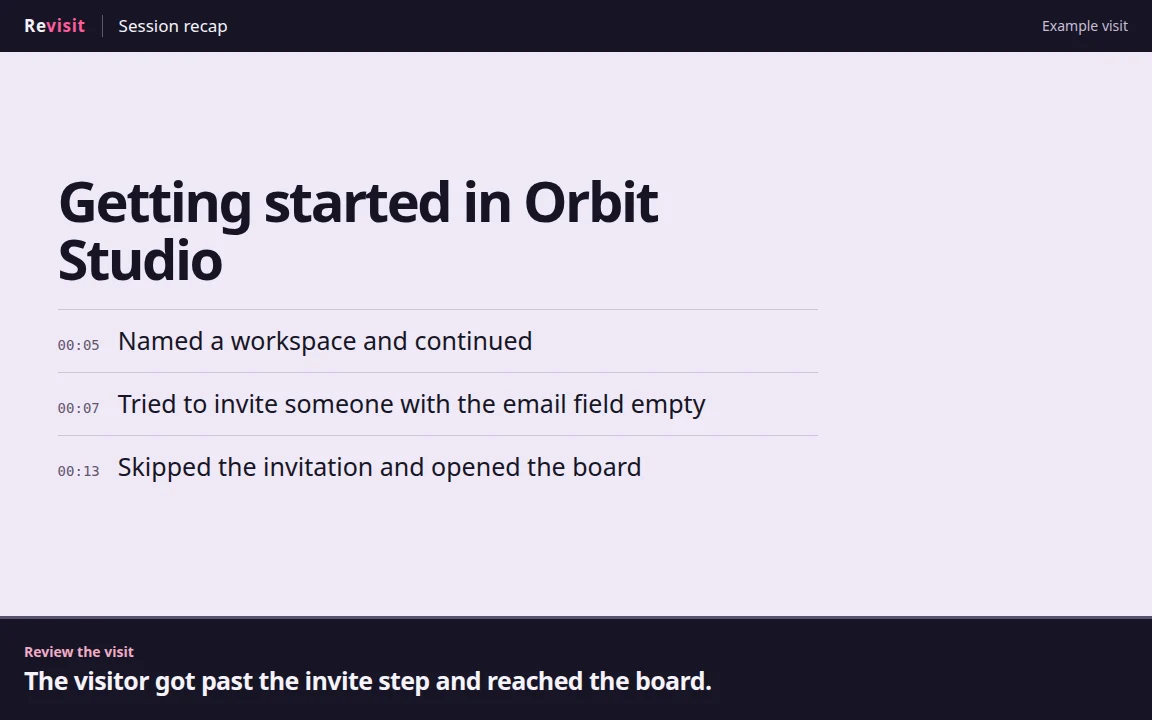
- What we saw
- The visitor tried to invite someone, saw the email prompt, then continued alone.
- Next experiment
- Make the solo path easier to spot. Watch whether new users still hit the prompt first.
Start with one product question.
- 01
Connect your web app
Create a Revisit project and add its tracking snippet to your app.
- 02
Choose a meaningful milestone
Pick the first action that makes your product useful, such as creating a workspace. Track it as a custom event.
- 03
Review the path to that moment
Watch a few first visits with your team. Pick a recurring obstacle, try a change and compare the next set of visits.
What will you change in your next release?
Bring a recording from your own app to the next product discussion.
Connect my app