Why traditional custom events break
If you’ve ever set up custom events using selectors or URL rules, you know the trade‑off: they’re precise — and they’re fragile.
A button gets wrapped in a new div. A CSS class changes. A page becomes a modal. A link turns into a client-side route. Suddenly your “Add to cart clicked” event stops firing, your funnel goes quiet, and you don’t notice until weeks later.
Even when selectors don’t break, they often miss the point: you’re tracking interactions, but what you really want is the moment — the intent.
What teams actually want
“Tell me if the user opened a blog post.”
“Tell me if they compared two plans.”
“Tell me if they got stuck and gave up.”
Those are not selector problems — they’re understanding problems.
Introducing AI‑detected custom events
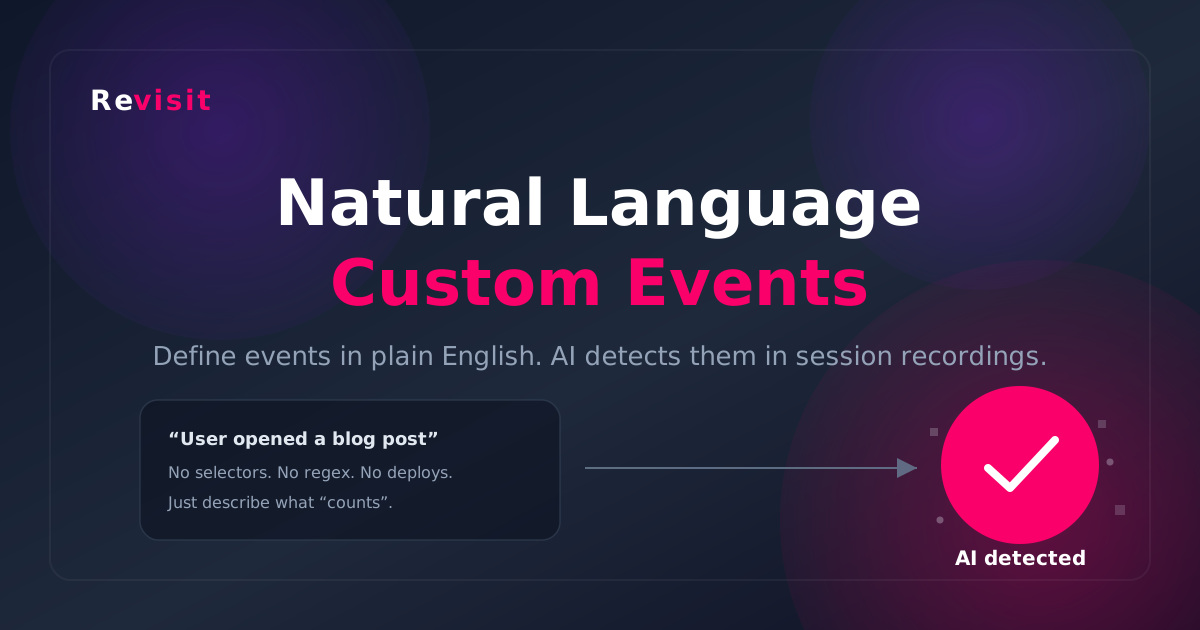
With Revisit, you can now define custom events in natural language. During session analysis, our AI checks the recording and automatically logs occurrences when it recognizes the event.
That means you can track behavior like:
- “Blog post opened” (from a blog index or a link)
- “User compares competitors” (scanning comparison tables)
- “User tries to click but nothing happens” (dead clicks)
- “User is stuck on checkout” (repeated attempts, hesitation, back-and-forth)
And the best part: these events are saved as real event occurrences, just like your existing custom events, so analytics and filtering work the same way.
How it works (high level)
When you create an AI‑detected event, you write a short “detection prompt” describing what should count as that event. Then, when a session gets analyzed, AI reviews the recording and returns:
- Which event happened
- When it happened (timestamp)
- Confidence level (high/medium/low)
- Optional notes about what it saw
If the event happens multiple times in a session, you’ll get multiple occurrences — just like normal event tracking.
How to write great natural language events
A good prompt is short, specific, and grounded in what the video can actually show. Here are a few patterns that work well:
Example: Blog post opened
Prompt:
Event: Blog post opened
Look for: a blog article page loads and the user starts scrolling the article content or sees the article title area.
Example: User compares plans
Prompt:
Event: User compares pricing plans
Look for: user opens pricing page and scans plan cards, toggles billing, or scrolls around a comparison table.
Tip: write prompts like you’re telling a teammate what to watch for. If a human could reliably spot it in the recording, the AI has a good chance of detecting it too.
AI detection + classic events
AI‑detected events are now the easiest and most resilient way to track meaningful moments — but we didn’t remove the classics.
You can still use click events, page visit rules, URL pattern matching, and form abandonment events when you need precision, real-time capture, or GA4 forwarding. Think of AI detection as the “track intent” layer on top of traditional tracking.
Track behavior without brittle setup
Define events in plain language and let AI detect them for you—so your tracking keeps working even as your UI evolves.
Conclusion
Traditional event tracking is powerful, but it’s easy to over-invest in brittle rules. Natural language events let you track what matters most — the real moments in a user’s journey — without fighting selectors.
If you want fewer broken events, faster setup, and more meaningful behavioral tracking, AI‑detected custom events are built for you.